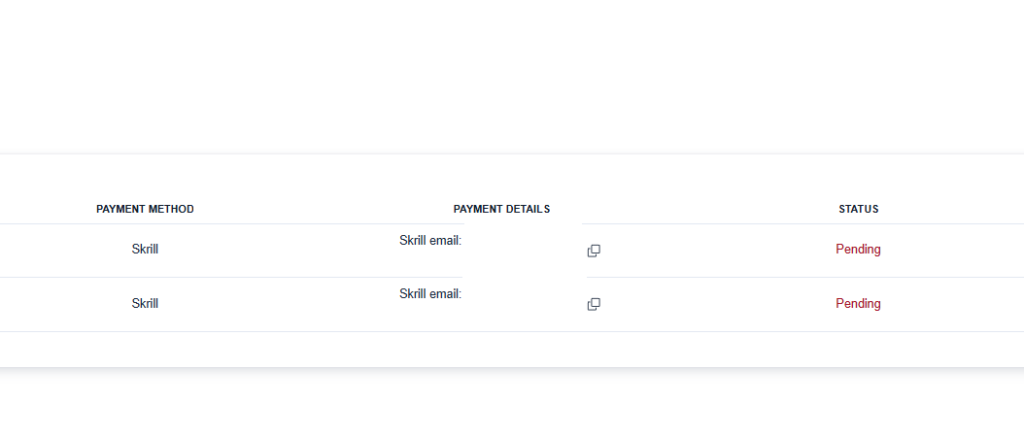

In spinhub.io, transactions are made between pool players, groups according to their preferred payment methods.
To select your preferred payment method, go to Profile → Profile Details.
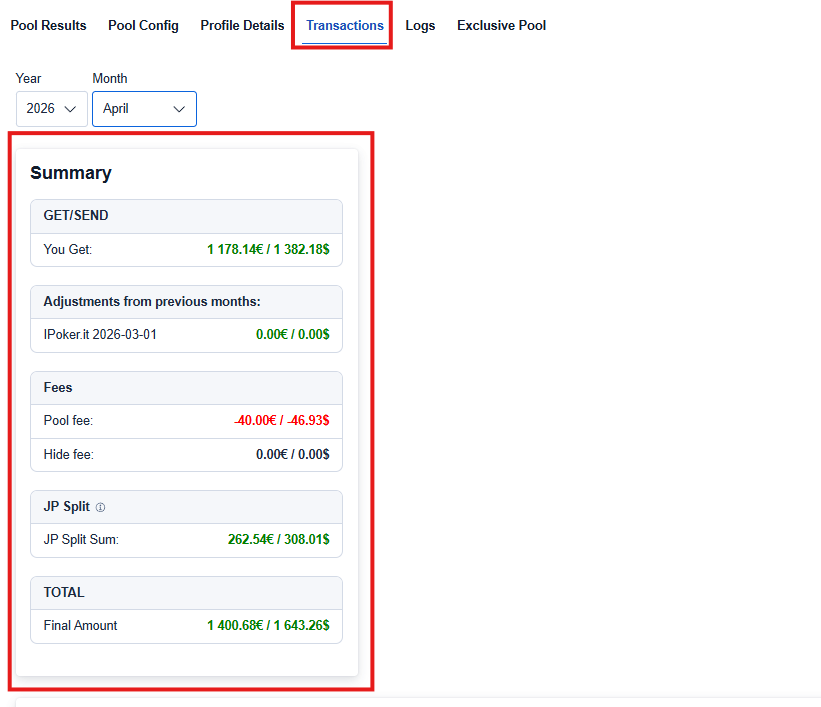
The Final Amount includes everything:
- Amounts to GET/SEND
- Adjustments from previous months
- Fees
- JP Split
Once the pool is locked and transaction data becomes available, you will see it in Profile → Transactions.
Registering a transaction:
Negative Final amount:
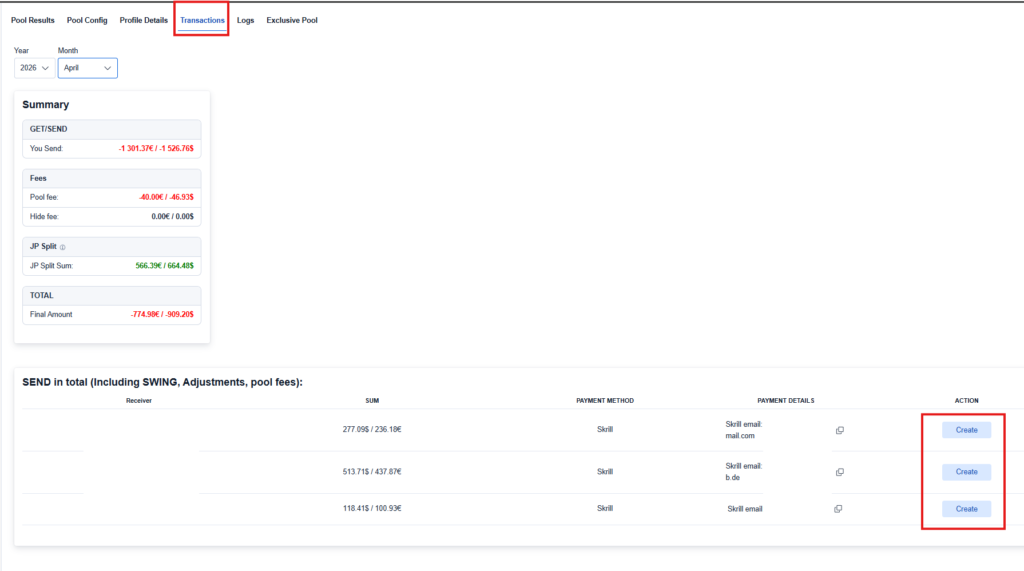
If your Final Amount is negative, it means that you need to send money to the specified account(s).
The recipient’s preferred payment method will always be displayed. In some cases, you may need to send money to more than one account.
To register a transaction:
- Go to Profile → Transactions.
- Click Create.
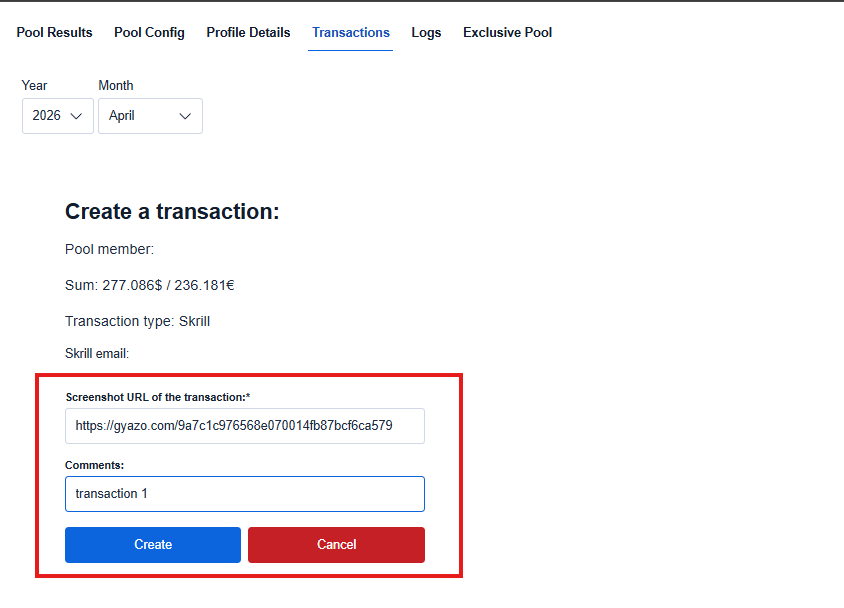
A new window will appear showing the transaction details.
- Complete the payment using your preferred payment method.
- Take a screenshot of the transaction using the Gyazo app.
- Paste the screenshot URL into the provided field.
- Add a comment if necessary (optional).
- Click Create.
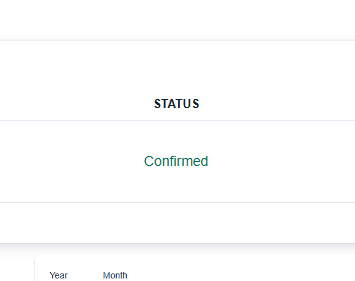
After registering the transaction, the status will change from Pending to Confirmed.
If multiple payments are required, repeat the process for each transaction.
Positve Final amount:
If your Final Amount is positive, you will receive money from another player, a group, or the spinhub.io administration.
All relevant payment details will be displayed below.
Transaction statuses:
- Pending – The transaction has not yet been registered by the sender.
- Confirmed – The transaction has been registered, and the payment has been sent to your account.